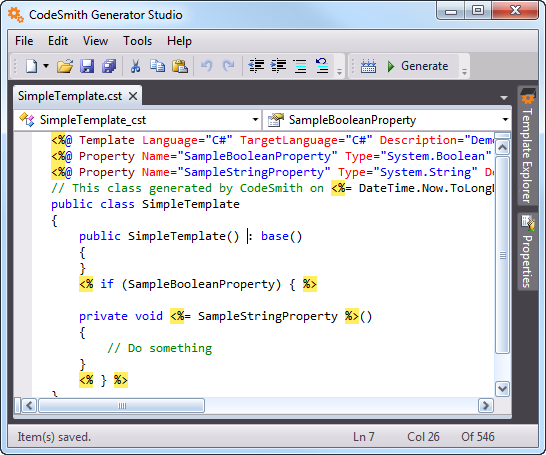
Themes and Syntax Highlighting
Syntax highlighting
The Template Editor highlights the syntax of many languages, including C, C++, C#, CSS, Visual Basic, HTML, Java, JavaScript, Perl, SQL and XML.
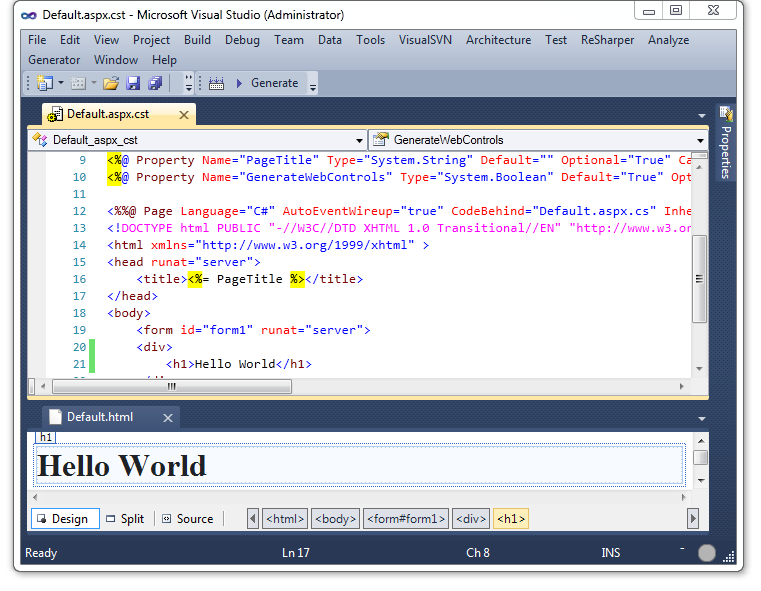
The screenshot above shows a template document and a generated document. The generated document, Default.html, is shown in the HTML designer, so you can see the page's design right after you generate it.
Copying with colors
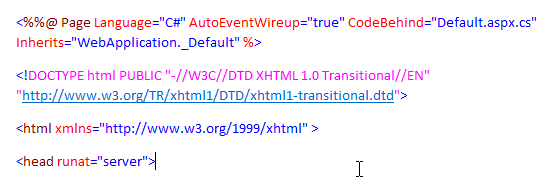
When you copy text from a template document, the Template Editor also puts HTML and RTF versions of it on the clipboard. When you paste into an application that supports rich text, the syntax highlighting comes too.
Themes
You can change the editor's highlighting colors in the Options dialog, for example to use a dark color scheme.
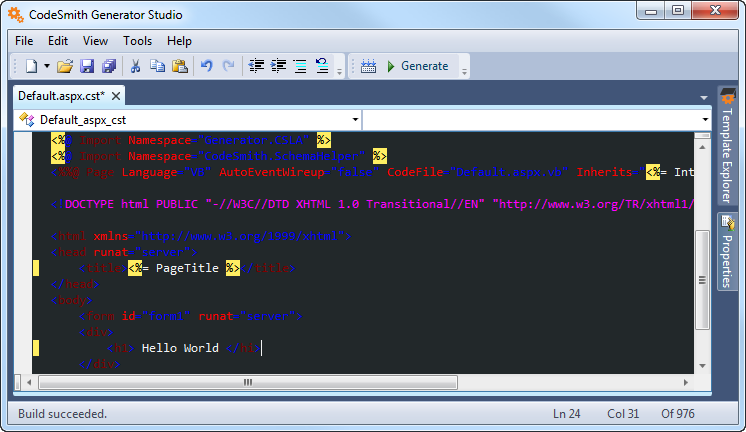
You can also change the theme of the standalone Template Editor's window.