
The Progress object
The Progress object shows a progress bar while CodeSmith Generator renders your template. For templates that take a long time to run, it tells the user that Generator is still working.
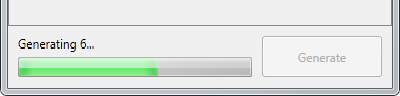
In Template Explorer, the progress bar appears next to the Generate button:
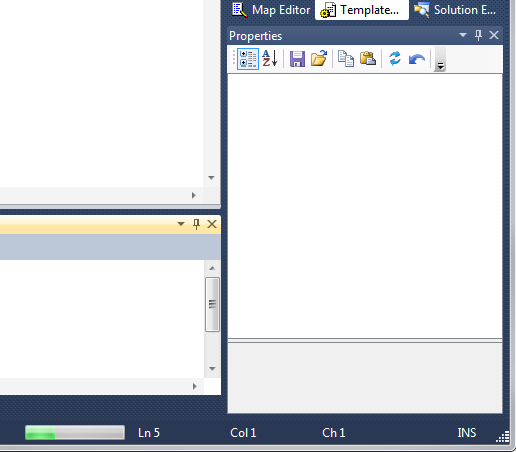
In Visual Studio, the progress bar appears in the status bar, to the left of the line and column indicators:
To use the Progress object, first set the maximum value and the size of one step:
this.Progress.MaximumValue = 25;
this.Progress.Step = 1;
Then call PerformStep each time you want to advance the progress bar:
this.Progress.PerformStep();