Debugging a Custom Schema Provider
To debug a schema provider, you start CodeSmith Generator from Visual Studio, so the breakpoints in your provider are hit while Generator uses it.
Note
First set the output path to Generator's SchemaProviders folder, so Generator loads the build you're debugging.
-
Make sure the project builds in the Debug configuration, not Release.
-
In Solution Explorer, right-click the project and select Properties.
-
Select the Debug page, and set Configuration to All Configurations.
-
Under Start action, select Start external program, and browse to
CodeSmith.exein the Generator installation folder (for example,C:\Program Files (x86)\CodeSmith\v8.5\CodeSmith.exe). -
Set a breakpoint in your provider, and start debugging.
-
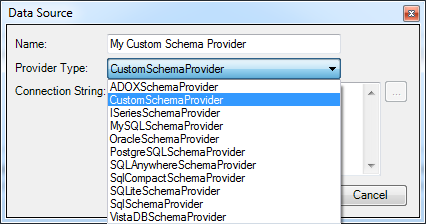
In Generator, add a data source and select your provider in the Provider Type list. As soon as Generator calls your provider, Visual Studio stops at your breakpoint.